

 Zoomed to minimumUse the plus and minus key to zoom and the arrow keys to pan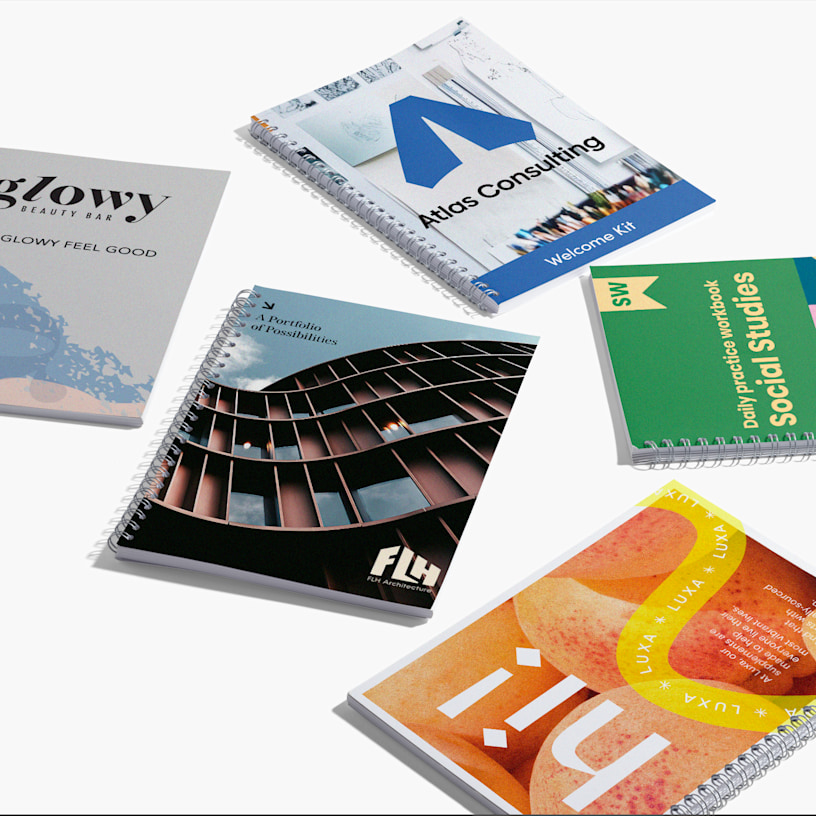

Training Manuals & Guides
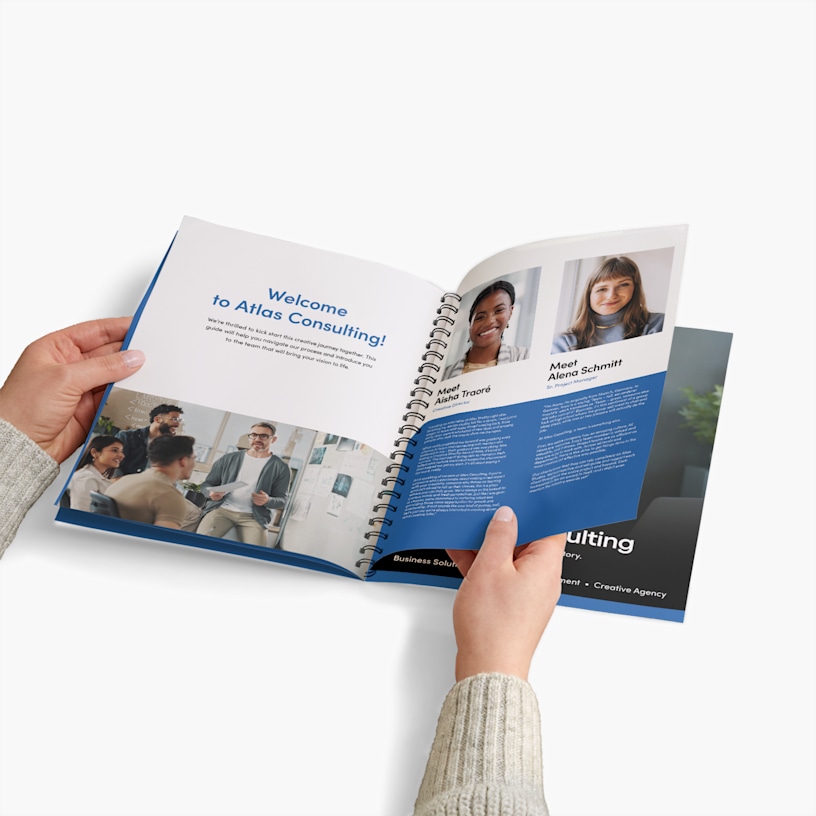
Create employee training manuals with durable wire binding. Up to 352 customisable pages with lay-flat convenience for learning.
Help new employees learn faster with training manuals.
- Multiple size options & orientations
- 8–352 pages (including cover pages)
- Lay-flat pages – 360° page rotation
- Matte & glossy paper options
- Premium laminated cover available
- Top or side binding options
- Silver or black wired binding
- Full-colour, double-sided printing
Note: For important information on how to create your wire-bound booklet, download this PDF guide.
Built for employee onboarding
Training manuals and guides with wire binding make it easy for attendees to follow along during orientation and training sessions. The minimum page count for a personalised manual is 8 pages, with up to 352 available – giving you plenty of room to structure your training guide logically, starting with a welcome and company overview, followed by role-specific processes, safety protocols, reference materials and any supporting resources. Pages are attached to a durable wire coil that allows the manual to lay completely flat on a desk or table, so employees can take notes, do tasks and follow procedures hands-free. Choose left binding for a traditional manual layout or top binding for flip-style reference guides. Available in multiple sizes to suit your content and workplace needs.
Durable covers for workplace use
When printing manuals online, paper weight matters – GSM (grams per square metre) is simply a measure of how thick and heavy a sheet of paper is, so the higher the number, the more substantial it feels. Select from 3 cover options: self cover printed on the same paper stock as your inside pages, premium 250 gsm cover for added durability or premium plus 300 gsm laminated cover for maximum protection against daily handling. The laminated option helps training manuals and guides withstand coffee spills, frequent use and transport between training rooms. For inside pages, choose matte paper for easy readability or glossy paper to make diagrams, photos and charts stand out. Wire binding is available in classic silver or modern black to complement your company branding.
Straightforward creation process
Our online manual printing service makes it simple to go from design to delivery. Download our PDF guide to understand how to set up your training manual file – choosing your binding position first, as this affects your overall PDF layout. Organise your content into clearly labelled sections with consistent headers to make navigation easy for users. Create your design using your preferred software, then upload your file as a PDF and we'll handle the professional printing. Your printed training manuals and guides will arrive looking polished and ready to help new employees get up to speed.
Reviewed by 1 customers


We're here to make your manual creation and printing process easy, with these steps:
-
Design: Create your manual design using your preferred design software.
-
Upload: Submit your training manual PDF print file.
-
Review: Make sure your manual layout design is just how you want it.
-
Approve: Confirm your design and place your order.
For detailed information on how to design your custom booklets, download our PDF guide.
Training manuals with wire binding are great for employee onboarding, process documentation, safety guides, standard operating procedures and reference materials. The wire binding makes it easy to set the manual down flat on a desk without losing your place, which helps employees focus on learning rather than holding pages open.
Your training manual can have 8 to 352 pages (including covers), in increments of 2.
The cover paper depends on your selection of inside paper.
Self Cover: Your cover is printed on the same paper as your inside pages for a simple, cohesive look.
Premium: A thick, 250 gsm uncoated cover stock that provides an elevated look without lamination.
Premium Plus: Our highest-quality 300 gsm laminated cover, offering durability and a professional, premium look.
Wired binding is a style where wire loops are inserted through holes that have been punched through the edge of the booklet's cover and pages. We offer a choice of classic silver or modern black wire.
The choice depends on how you'll use your training manual. Left binding is the traditional choice for manuals, guides and reference materials. Pages turn from right to left like a book. Top binding works well for standing reference guides or materials displayed on an easel. Pages flip up and over.
Sample manuals are not available, but you can order a single manual. This is a helpful way to see how your printed training manual looks before you order a larger amount.