

 Zoomed to minimumUse the plus and minus key to zoom and the arrow keys to pan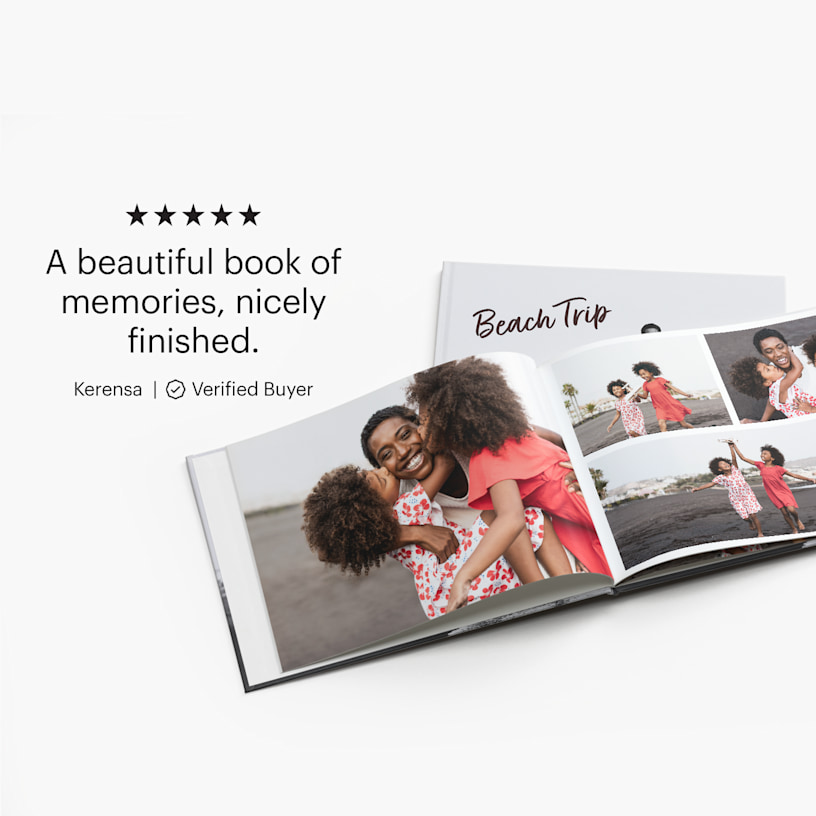
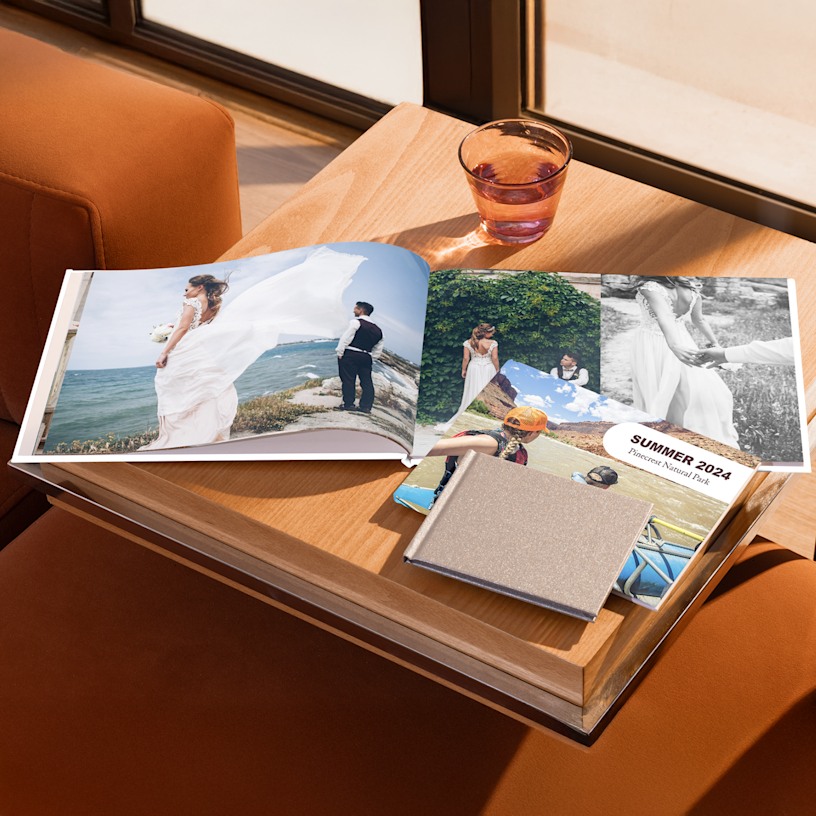
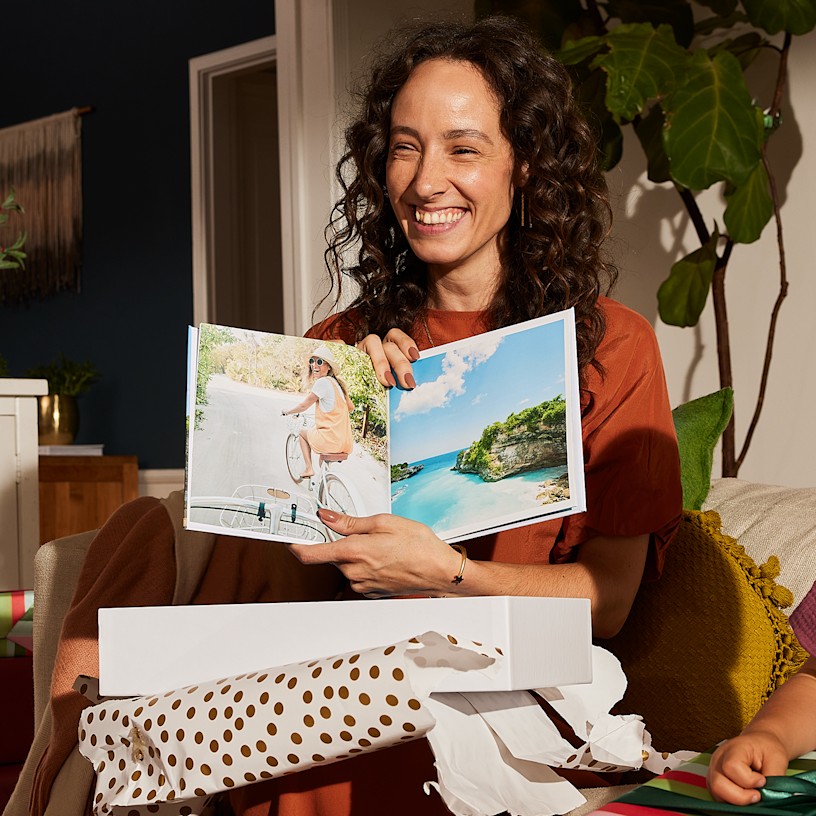
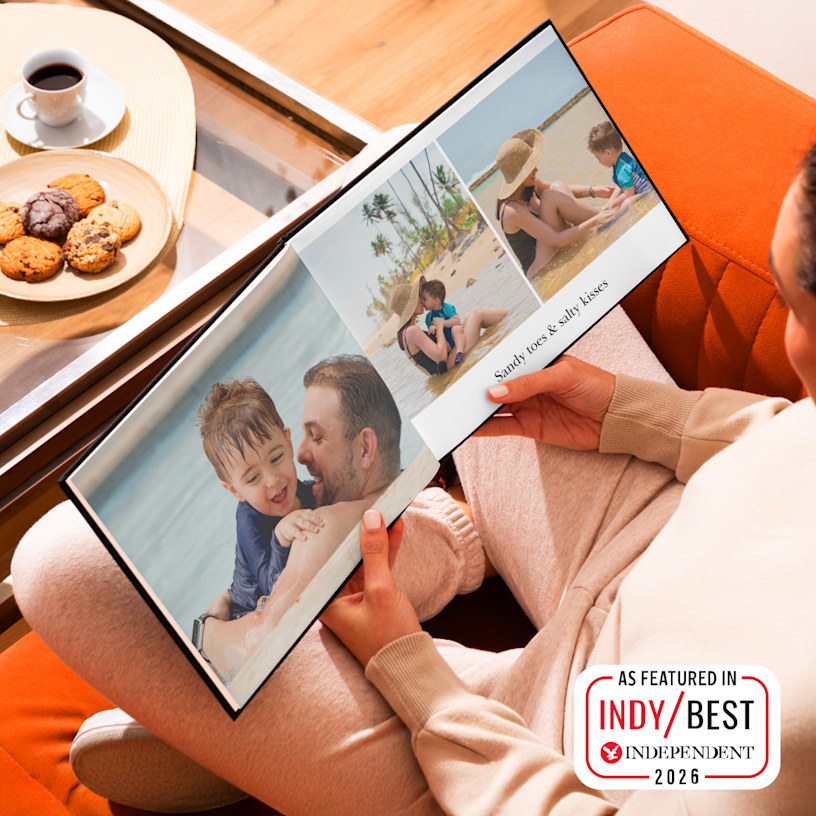
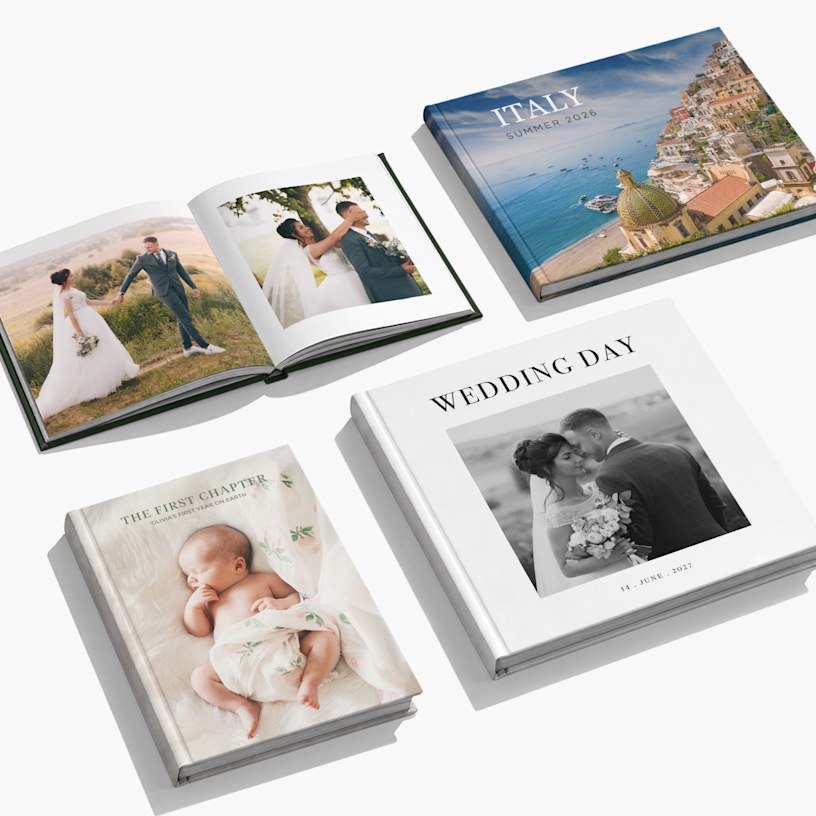
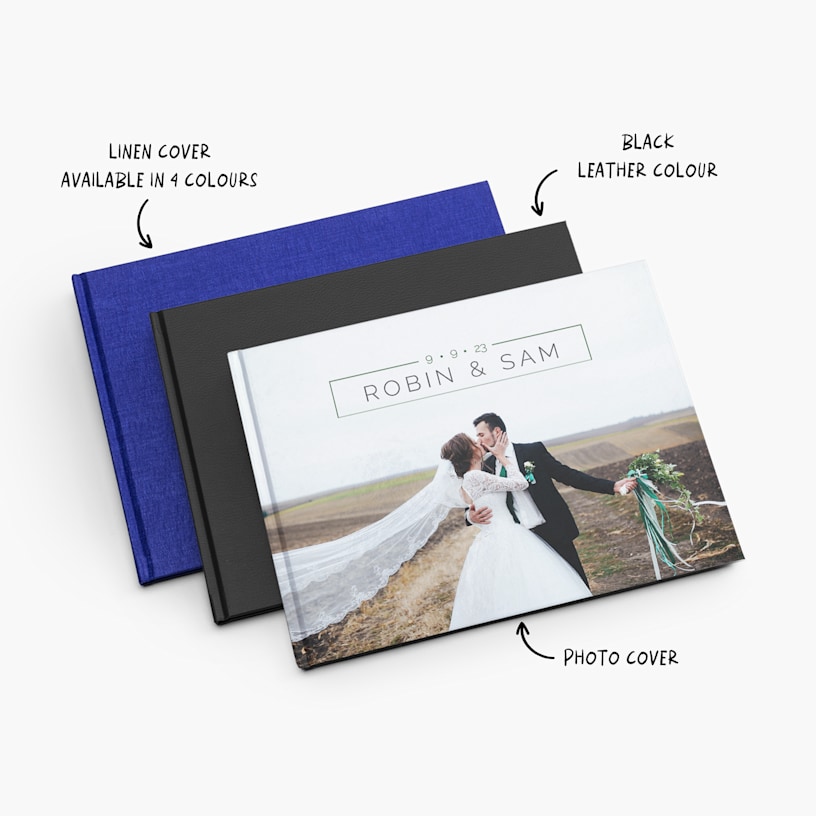
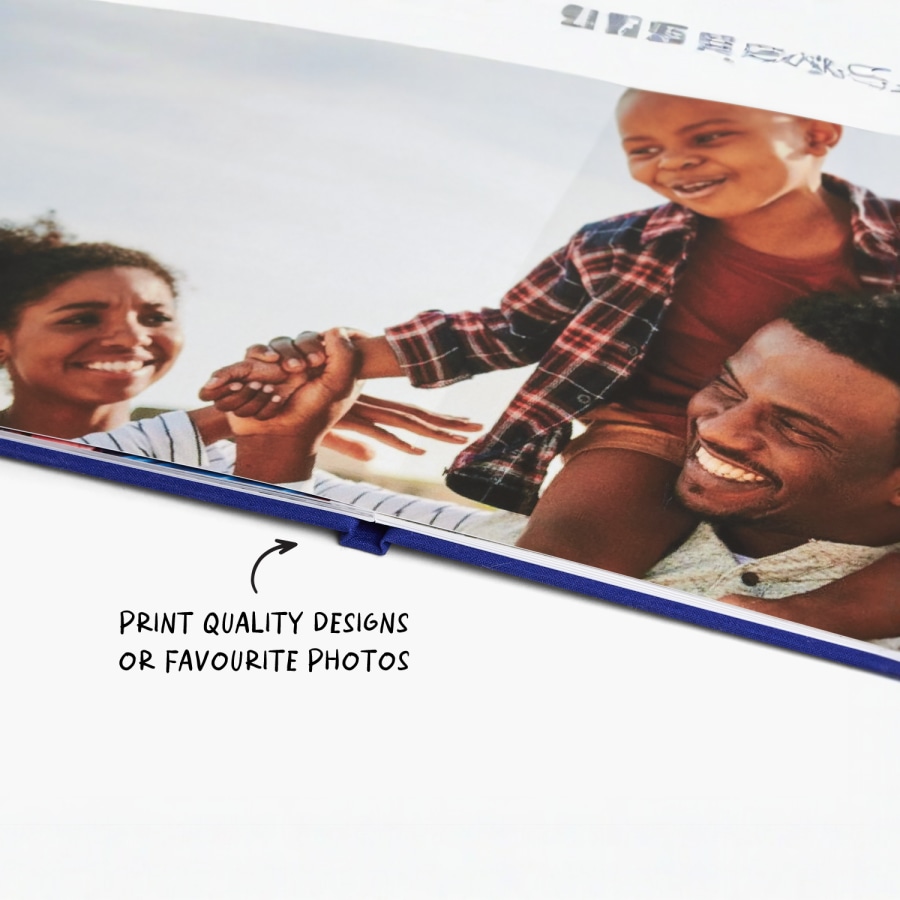
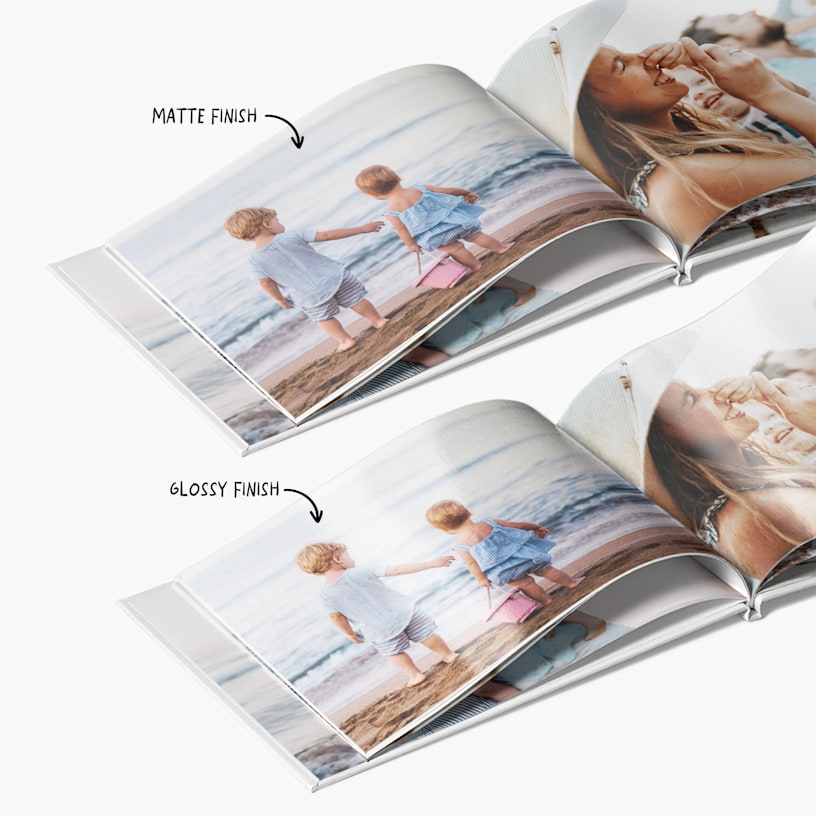
Photo Books
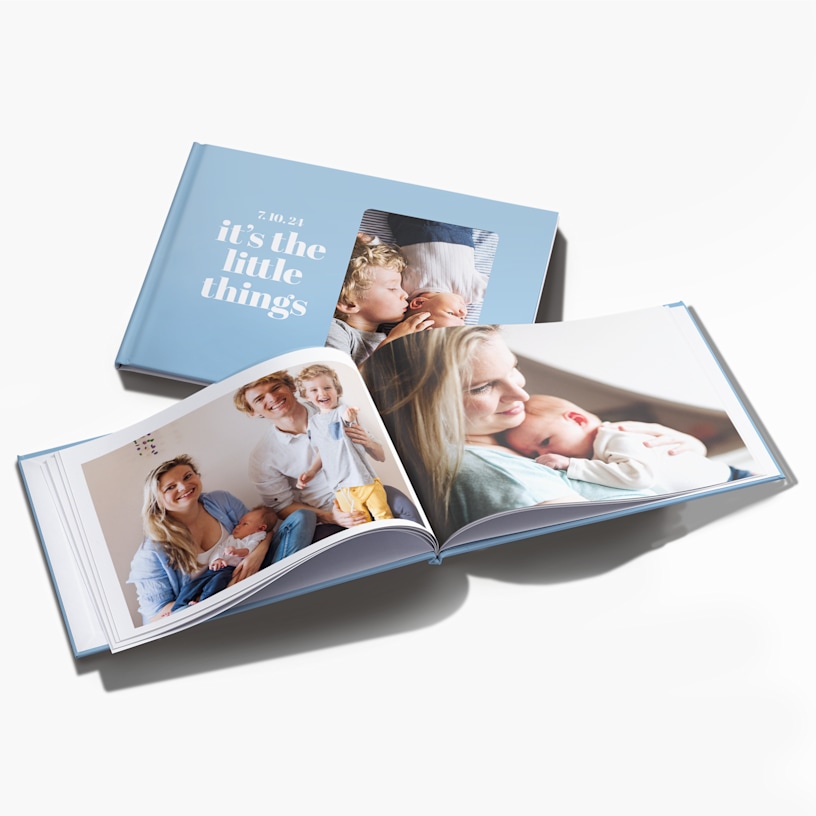
Cherish every moment with photo books and photo albums.
- 8 size and layout options
- 3 paper stocks
- Solid-colour or photo cover options
- Starts at 24 pages – up to 120 pages
- Professional hardback binding
- Layflat binding available in selected sizes
- Smart Assistant technology instantly selects photos and creates layouts
Voted best 21st birthday gift by The Independent
Premium finishes for every memory
From A5 to A4 formats, our premium photo books deliver the tactile, high-quality finish your memories deserve. Choose from classic leather covers for timeless elegance or sophisticated linen finishes that feel good in your hands. Every page deserves the best light, our vibrant high-gloss paper brings your images to life with rich colour and luminous polish, whilst our elegant matte finish offers a softer, more understated aesthetic that lets your photos breathe. For panoramic shots and double-page spreads, our layflat binding means images stretch seamlessly across the spine, creating an uninterrupted view that draws you into each moment. Whether you're creating a photo book or a photo album, both celebrate your memories beautifully, though photo books offer significantly more pages and binding options, giving you room to tell your story at scale. With up to 120 pages, there's space for every moment worth keeping.
A book for every moment
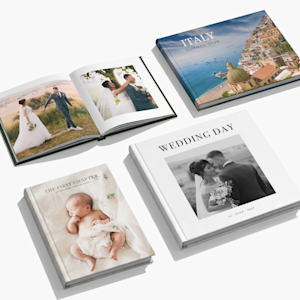
Wedding photo books shine when printed with layflat binding, letting you and your partner look beautiful across full-page spreads. Celebrate a new arrival with a newborn album that parents will turn to again and again. Document family holidays in a travel photo book or gather the year's highlights into a family album everyone will treasure. Mark milestones with a birthday or anniversary photo album – a far more personal gift than anything you'd find on a shelf. For creatives, a coffee table photo book or photography portfolio lets your images do the talking. From engagement memories to anniversary celebrations, there's always a reason to print what matters most – and with formats ranging from A5 to A4, there's a size for every story.
Smart creation, stunning results
Ready to design? Use our browser-based editor to create on the go or download our desktop version if you prefer working from your computer. Short on time? Our Smart Assistant technology instantly selects your best shots and builds the layouts, so you can design a beautiful photo book in minutes rather than hours. Once you're happy with your design, we handle everything – professionally printing, binding and packaging your order before sending it straight to your door. The result is a photo book that's crisp, professionally finished and ready to be loved for years to come. Our printers and raw materials may subtly change over time, so if anything isn’t quite what you expected, our friendly experts are here to guide you every step of the way.
Reviewed by 4041 customers
 United Kingdom |
 United Kingdom | United Kingdom | United Kingdom | United Kingdom |
At VistaPrint, designing a photo book has never been easier than with Smart Assistant. All you have to do is provide the photos and the program’s smart technology will then select your best images, remove duplicates and create high-quality page layouts. Smart Assistant works in just minutes – and you’ll be able to make any changes you’d like, add custom touches and more.
Our custom photo books come in 8 sizes across landscape, portrait and square formats – from Small Landscape (13 x 10 cm) up to XL Landscape (39 x 29 cm). You can choose the size and orientation that best suits your photos, whether that's a compact picture book or a large-format photo album.
We can deliver photo books to addresses in the following countries: Belgium, France, Germany, Great Britain, Italy, the Netherlands, Norway, Spain, Sweden, Switzerland, Austria, Ireland, Finland, Portugal and Denmark.
Note: We do not deliver photo books to Greenland and Malta at this time.
You can use JPEG (.jpg), BMP, PNG, HEIC and various RAW files to make a photo book online.
4 MB is the maximum size we recommend for an individual photo. Anything larger than this may cause problems when you upload your photo album. That said, there are no limits to the file size of the photo book itself.
Yes. We offer a mobile version of our online photo book maker that lets you design and order your personalised photo album on your smartphone or tablet. Our downloadable (offline) editor is not available on mobile devices. Also, please note that size changes are not currently supported on mobile, so make sure you choose the size you want before getting started.
The mobile photo transfer feature allows you to transfer photos from your mobile device to the desktop photo book editor by simply scanning a QR code. To learn more about this exciting new feature, check out this article.
Consider our 28 x 21 cm landscape photo book. It’s our most popular and recommended photo book for major milestones like weddings, yearbooks and more.
This comes down to a matter of personal preference. Some people prefer to make a photo book that features classic black and white photography – especially for formal events like weddings and graduations. Colour photographs are a great way to show off vivid landscapes in travel albums or capture the fun of birthday parties and family get-togethers. Or, you can get the best of both worlds and use different approaches within different photo book spreads. The choice is yours!
The process varies slightly based on which of our design editors you’d like to use.
Downloadable (Offline) Editor: This editor is our most popular — when you install this photo album maker on your computer, it will guide you through the entire process. (Downloading is quick and easy — less than 3 minutes). After you select your photo book’s size, the editor will help you add photos directly from your computer into the book. Work is saved to your computer — when your design is finished, the programme will upload the book to our site so that you can complete your order. The Downloadable Editor also includes an assortment of extra design options, which is especially helpful if you’re interested in adding a lot of custom details to your photo album.
Online Editor: With our online tool, you’ll be able to design photo books online, no downloads required. Upload photos from your computer and then place them onto the pages as you’d like.
Yes, both of our editing tools allow you to save your photo album book and come back to it later. We recommend saving your work early and often.
Downloadable (Offline) Editor: When you save your design, the work is stored on the computer itself. You’ll be able to make updates up until you click the Order button.
Online Editor: Your work will be saved to your VistaPrint account. Make sure you’re logged in before you start designing, and don’t clear the cookies on your browser until you’ve ordered your album.
Yes. Just contact our VistaPrint Customer CARE Team – we’ll be happy to answer any questions you have along the way. We want you to love your personalised photo album.
Yes! Just keep in mind that size changes can only be made within the same book format and orientation. For example, you can switch from one landscape size to another, but not from landscape to portrait. Also, please note that size changes are not currently supported on mobile, so make sure to choose your preferred size before getting started.
The program is available for Mac and Windows systems, including Windows 7, Windows 8.1, Windows 10 and Windows 11. For Windows 7 or Windows 8.1, ensure they are fully updated and use service pack 2 or higher. For Windows 7, 8 and 10, we recommend you have the latest version of Internet Explorer 11. For PC users, the minimum requirements for installing the software on your computer are: Dual core CPU/Intel Core i3 (we recommend Intel Core i5), 4GB of RAM (we recommend 8GB of RAM). The minimum screen resolution is 1024 x 768 pixels. For Mac OS users, the accepted versions are 10.13 or higher.
You will receive your printed photo album within 10 business days after you place your order. If you need your photo book before Christmas, remember to factor in this delivery time.
Layflat binding is a unique binding technique that allows a photo book’s pages to lie flat when open. Compared to our standard photo books, layflat photo books have a less prominent centre seam. This removes any visual interruptions, so you can fully take in your photos. Layflat photo albums are ideal for panoramic shots or photos that extend across two pages.
Note: Layflat binding is available in sizes L and XL only and comes with extra-thick paper stock (380 gsm).
There's no set limit on the number of photos you can include – it depends on the size and page count you choose. Our photo books start at 24 pages and go up to 120 pages, so the more pages you add, the more photos you can feature. If you're not sure how to organise your shots, our Smart Assistant can help – it automatically selects your best images, removes duplicates and builds your layouts for you.
Yes, both our online editor and downloadable desktop editor let you personalise your photo book with text, captions and quotes. The downloadable editor includes a wider range of design options if you're looking to add a lot of custom details. Whichever tool you use, we'll walk you through the process step by step.