If you’ve ever uploaded a logo for printing and been told the file quality isn’t high enough, you’re not alone.
A design that looks perfectly sharp on a website or social media profile can quickly become blurry when printed on a banner, poster or business card. That’s because not all image files are created the same way.
Whether you’ve designed your logo yourself or used a logo maker, understanding how your artwork is saved is essential for achieving sharp, professional print results.
One of the most important factors in print quality is whether your artwork is a vector file or a raster image. Using the right file format helps keep logos, text and graphics sharp, no matter how large or small they’re printed.
In this guide, we’ll explain what vectorial files are, how they differ from standard image formats and why printers often ask for them before going to press.
What is a vectorial file?
A vectorial file is a type of graphic made using mathematical paths rather than pixels.
Instead of storing an image as thousands of tiny coloured squares, a vector based file uses points, lines and curves to create shapes. Because those shapes are generated mathematically, they can be scaled up or down without losing quality.
Think of it this way:
- A vector logo can be printed on a business card.
- The same file can also be printed on a billboard.
- Both versions remain crisp and sharp.
This is why vector files are widely used for:
- Logos
- Brand graphics
- Illustrations
- Icons
- Text-based designs
- Signage and banners

For printed materials that need sharp edges and clear text, a vector based file is usually the best option.
This is one of the main reasons printers prefer vector graphics for logos and branding. A logo might appear on a business card today, then on a shop sign, banner or vehicle graphic tomorrow. A vector file format ensures it remains sharp and professional across every application.
Vector vs raster images: what’s the real difference?
One of the most common questions is understanding the difference between vector vs raster images.
Raster images
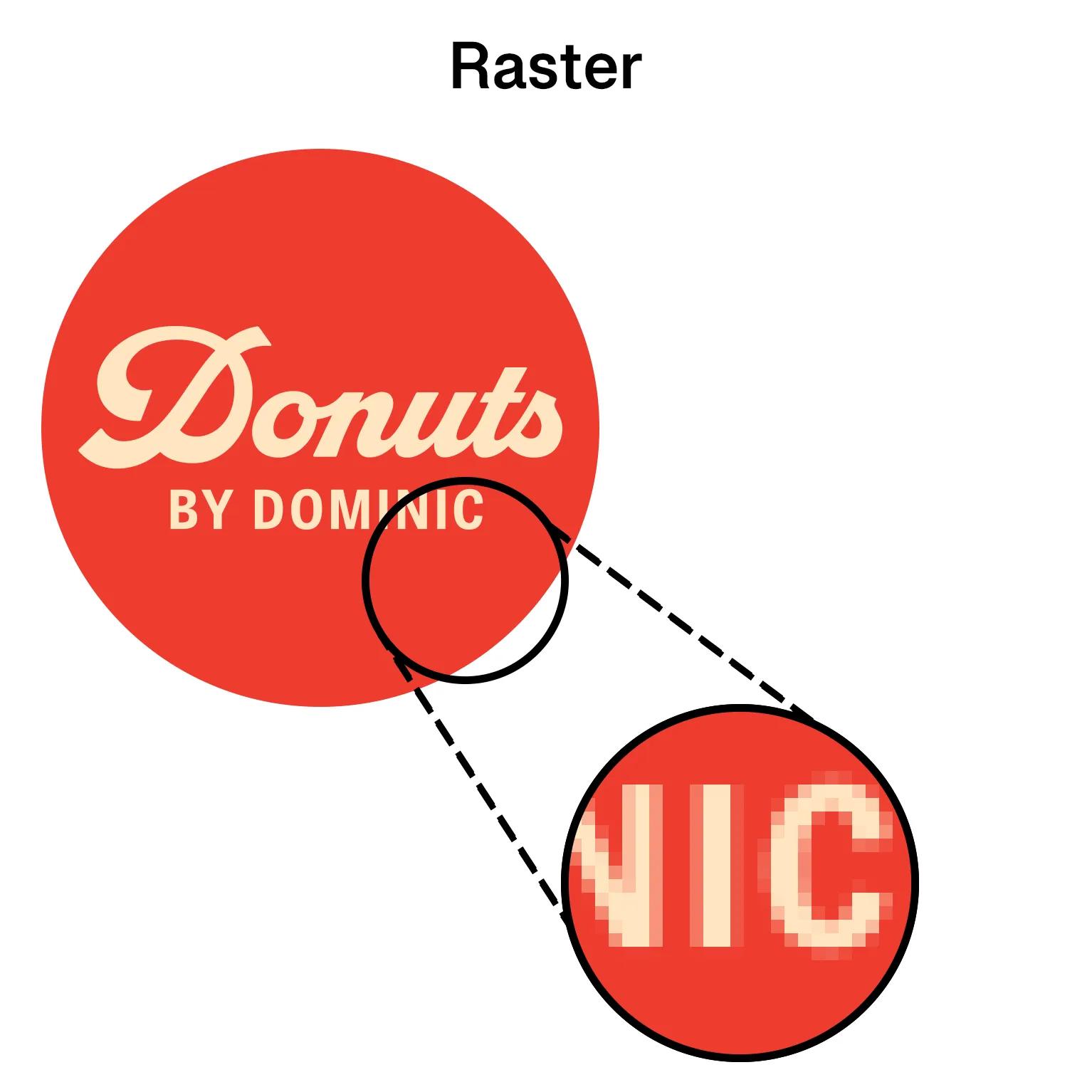
Raster images, sometimes called bitmap images, are made up of pixels.
Every photograph on your phone is a raster image. The image looks smooth because there are thousands of tiny coloured squares working together.
Raster formats include:
- JPG
- JPEG
- PNG
- TIFF
- GIF
Raster files work well for photographs because they can capture colour, shading and fine detail.
The downside is that they don’t scale well.
If you enlarge a small raster image too much, the pixels become visible and the image starts to look blurry.
Vector images
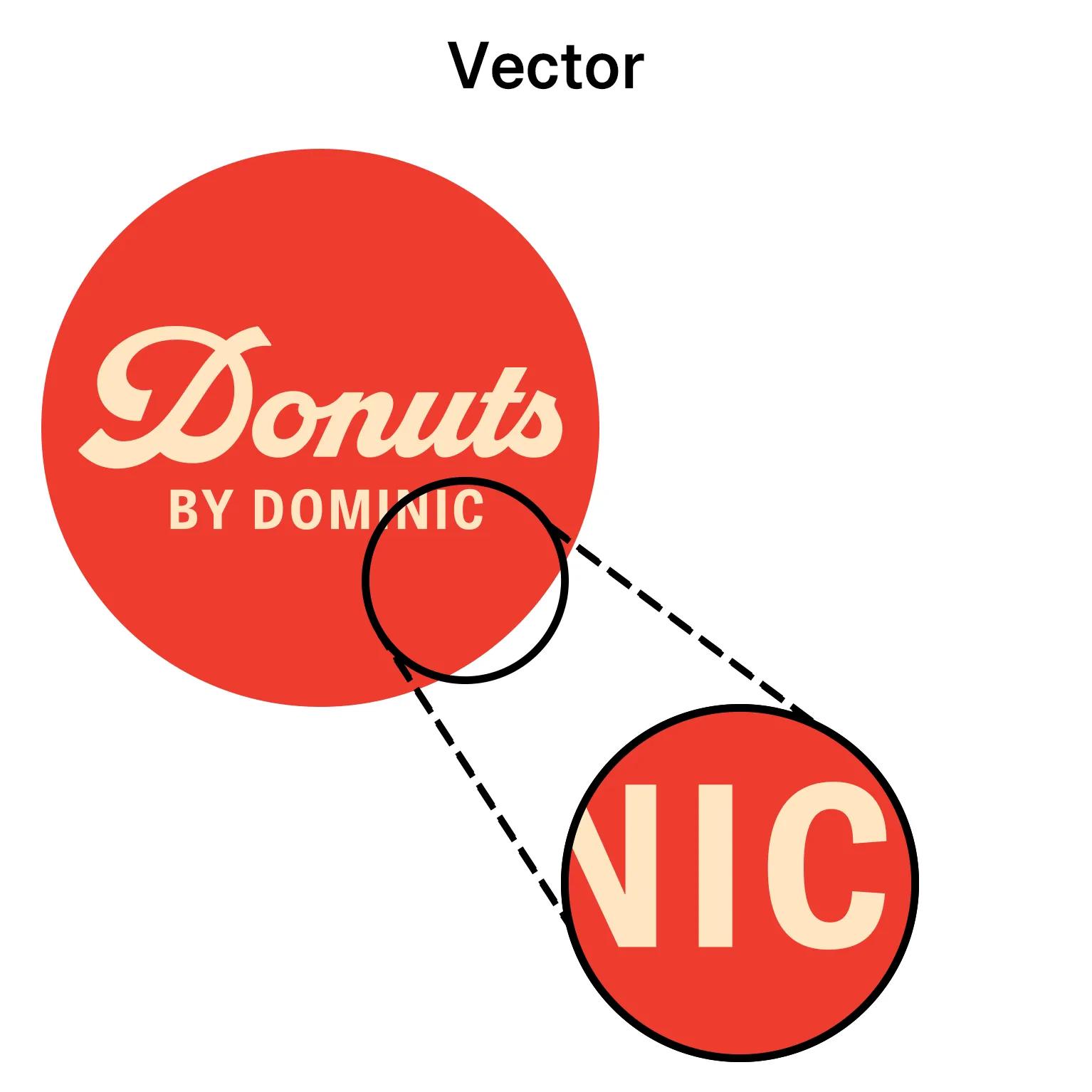
Vector graphics are built using mathematical paths rather than pixels.
Because there are no fixed pixels, the artwork can be enlarged indefinitely without losing quality.
This makes vector graphics ideal for:
- Logos
- Text
- Brand assets
- Line illustrations
- Marketing materials
Bitmap vs vector: a quick comparison
| Feature | Vector | Bitmap/Raster |
| Made from | Mathematical paths | Pixels |
| Scalable | Yes | Limited |
| Best for | Logos, graphics and text | Photographs |
| Print quality at large sizes | Excellent | Depends on resolution |
| Common formats | SVG, EPS, AI, PDF | JPG, PNG, TIFF |
Common vector file formats you should know
Not all vector files serve the same purpose. Some are better for editing, while others are better for sharing or printing.
| File format | Best used for |
| SVG | Websites, digital graphics and scalable online assets |
| EPS | Professional printing, signage and logo files |
| AI | Editable artwork created in Adobe Illustrator |
| Sharing artwork for print and review |
SVG
SVG stands for Scalable Vector Graphics. Because it stays sharp at any size, it’s commonly used for logos and graphics on websites.
EPS
EPS files are widely accepted by professional printers and are often supplied as part of a logo package.
AI
AI files are Adobe Illustrator files. These are typically the original editable files created by a designer.
PDF files are commonly used when sending artwork to print. However, not every PDF contains vector graphics, so it’s important to check how the file was created.
The “fake vector” trap
One of the biggest misconceptions in printing is that changing a file extension magically improves quality.
For example:
- Saving a JPG as a PDF
- Saving a PNG as an EPS
- Exporting a low-resolution image into another format
None of these actions turn a raster image into a vector.
If the original artwork was made from pixels, it will remain pixel-based regardless of what file format you save it as.
A blurry logo saved as a PDF is still a blurry logo.
The only way to create a genuine vector file is to design it as a vector from the beginning or have it professionally redrawn.
Do you need vectors for high-quality printing?
Not always. The answer depends on what you’re printing.
As a simple rule, use vector files for logos, illustrations, icons and text-based artwork. Use high-resolution raster images for photographs.
Many professional print designs use both. For example, a poster might contain a high-resolution photograph alongside vector logos, headings and graphic elements.
For high-quality photo prints
Photographs are naturally raster images.
To achieve high quality photo prints, you don’t need a vector file. You simply need a high-resolution image.
As a general rule:
- Use images that are at least 300 DPI at the final print size
- Avoid screenshots or images downloaded from social media
- Use original files whenever possible
Examples include:
- Family photo prints
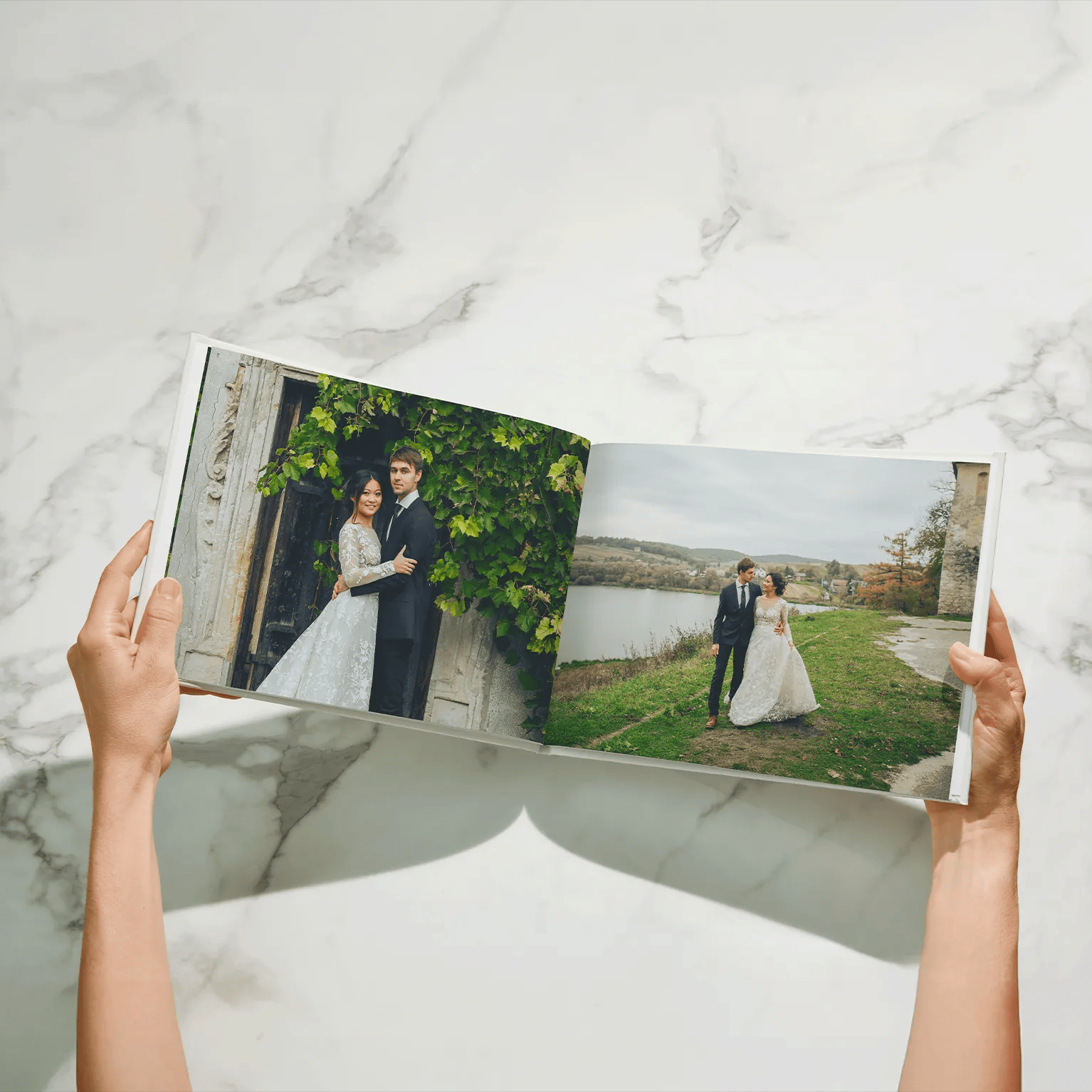
- Wedding photographs
- Holiday albums
- Canvas photo prints
These are all best suited to high-resolution raster files.

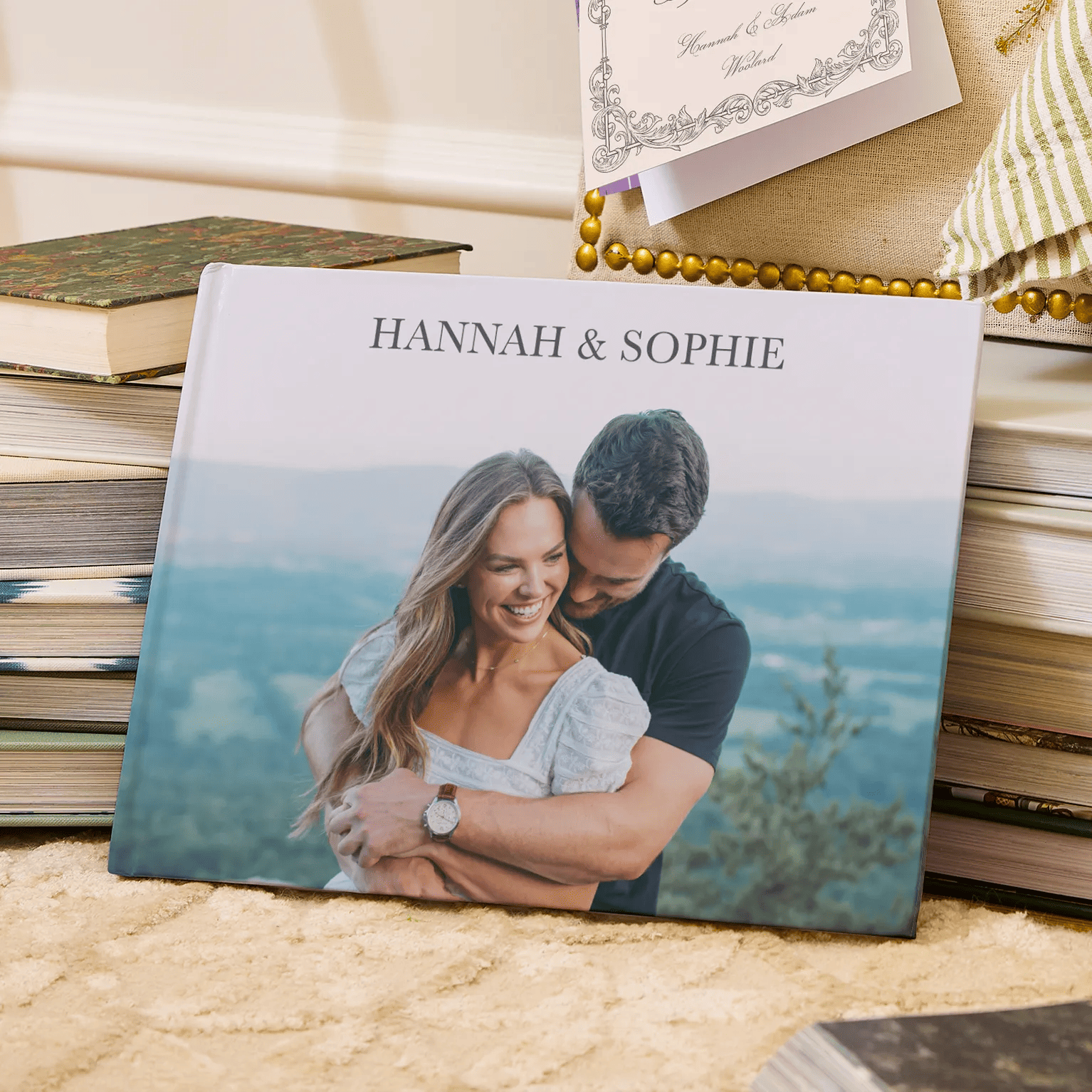
For high-quality poster prints
Posters often contain logos, text and graphic elements.
For high quality poster prints, vector graphics help keep text sharp and logos crisp, especially when printing at larger sizes.
| Product | Best file type |
| Business logo | Vector |
| Shop signage | Vector |
| Banner graphics | Vector |
| Business cards | Vector preferred |
| Illustrations | Vector preferred |
| Product photography | High-resolution raster |
| Family photos | High-resolution raster |
| Event photography | High-resolution raster |
In many cases, the best print files combine both formats.
How to tell if you have a vector file
If you’re unsure whether your artwork is a vector, there are a few simple checks.
You probably have a vector file if:
- The file ends in .AI, .EPS or .SVG
- You received the file from a designer as a logo package
- You can zoom in significantly without seeing pixels
You probably don’t have a vector file if:
- The file is a JPG or PNG
- The image came from a website
- The artwork becomes blurry when enlarged
When in doubt, ask the original designer for the source files.
A small file choice that makes a big difference
Vector files help keep logos, text and illustrations sharp, no matter where they’re printed. While photographs are usually best supplied as high-resolution raster images, branding and graphic elements often benefit from a vector file format.
Before sending artwork to print, take a moment to check your file type. It can make the difference between a crisp, professional result and a blurry final product.
FAQs
How do I know if my file is a true vector?
True vector files are usually supplied as AI, EPS or SVG files. They can be enlarged significantly without becoming pixelated.
Is a PDF always a vector file?
No. A PDF can contain vector graphics, raster images or both. The file extension alone doesn’t guarantee the artwork is vector-based.
Can I convert a raster image to a vector?
Yes, but the quality depends on the original image. Simple logos often convert well, while detailed photographs generally do not.
Do I need a vector file for text and fonts?
Yes. Vector files are usually the best choice for text-heavy designs because they keep lettering sharp at any size.
Is a JPEG or PNG a vector file?
No. JPEG and PNG files are raster image formats made from pixels.
What is the best vector file format for a logo?
AI, EPS and SVG files are all excellent choices for logos because they maintain quality when scaled.
Can I just save my logo from my website to print on a banner?
Usually not. Website logos are often small, compressed raster images that can become blurry when enlarged for print.
My designer only gave me a PNG. Is that enough?
It depends on the intended use. A high-resolution PNG may work for some print projects, but for large-format printing or future flexibility, it’s worth asking for the original vector files as well.