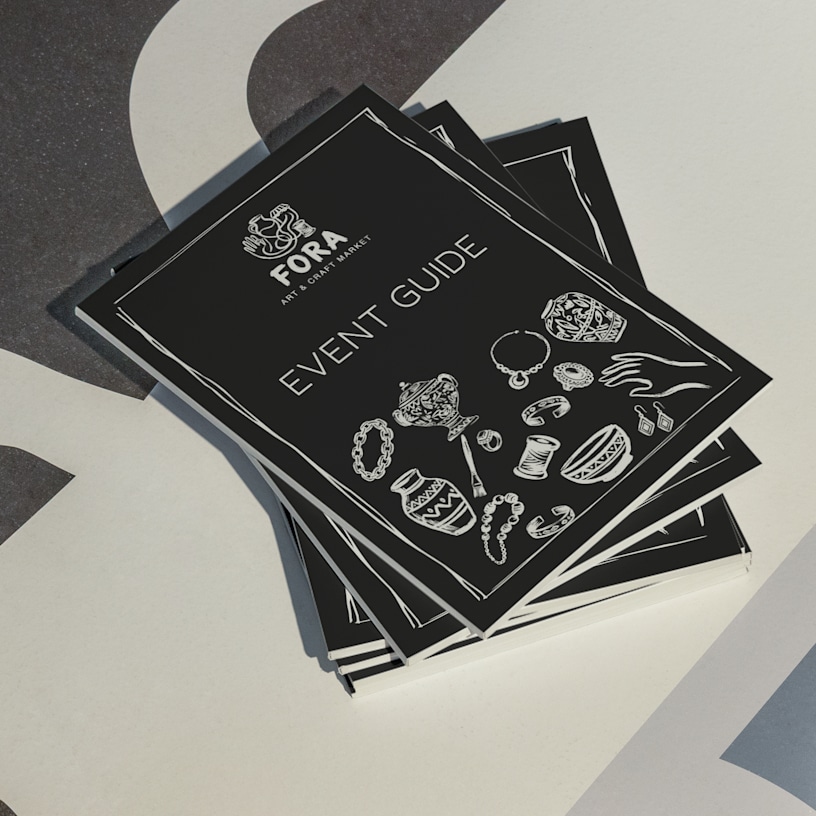
Event Programmes
To get started, check our step-by-step video guide & download our PDF instructions.

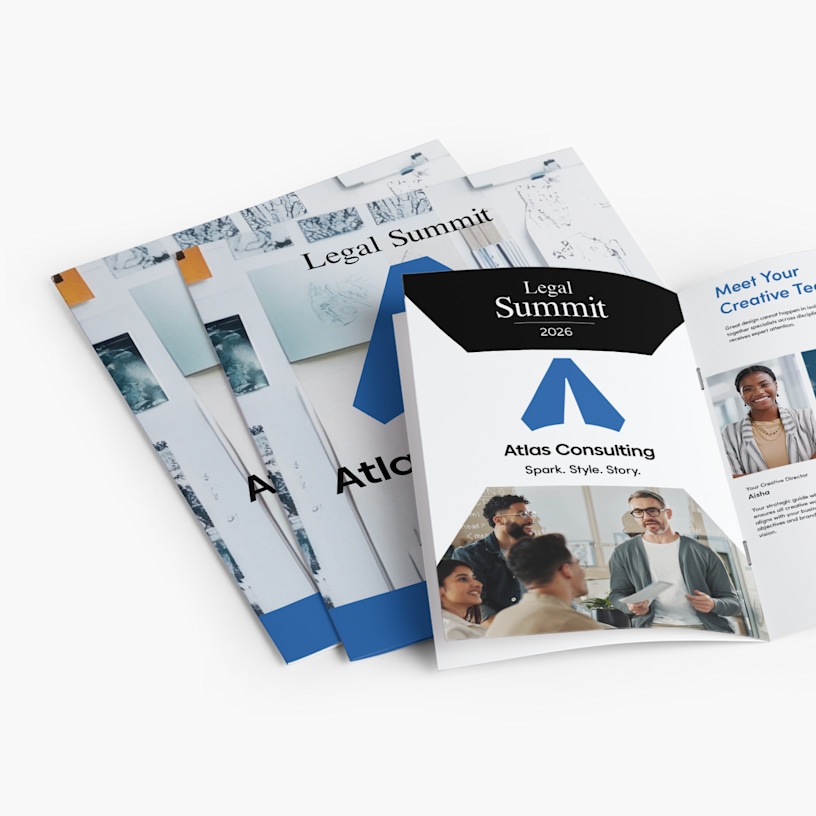
Guide attendees through your event with event programmes.
- 6 sizes – including portrait & landscape options
- 8–84 pages per booklet (includes 4 customisable cover pages)
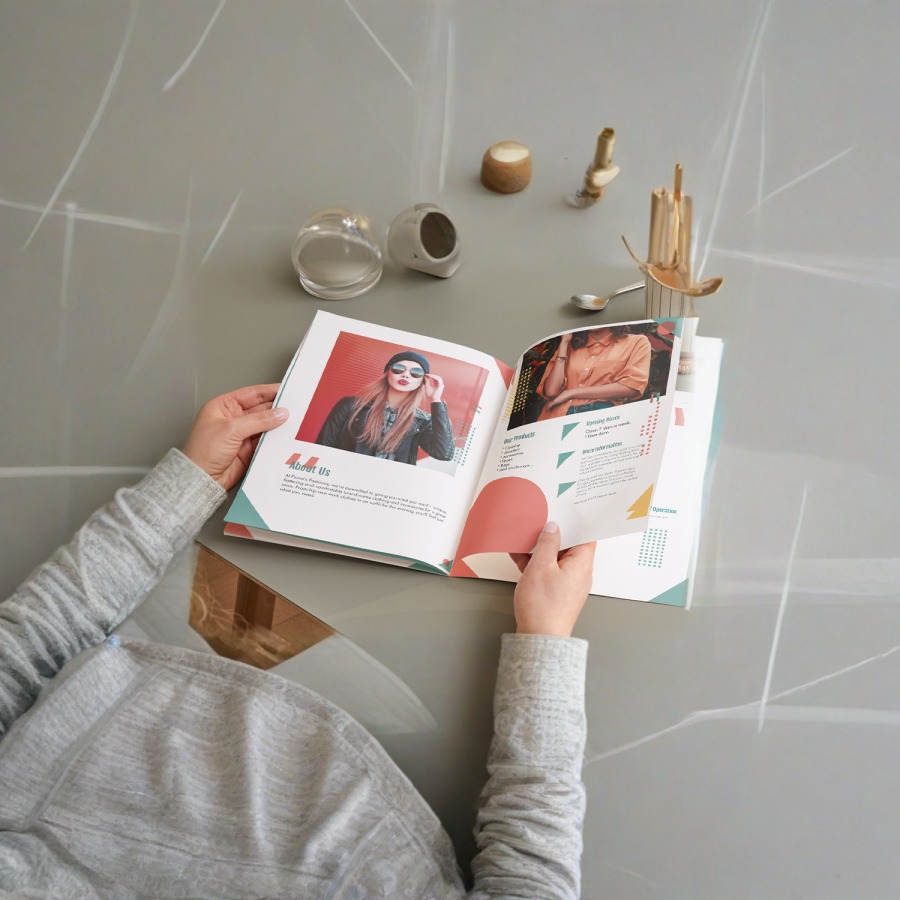
- Matte & glossy paper options
- 3 cover options
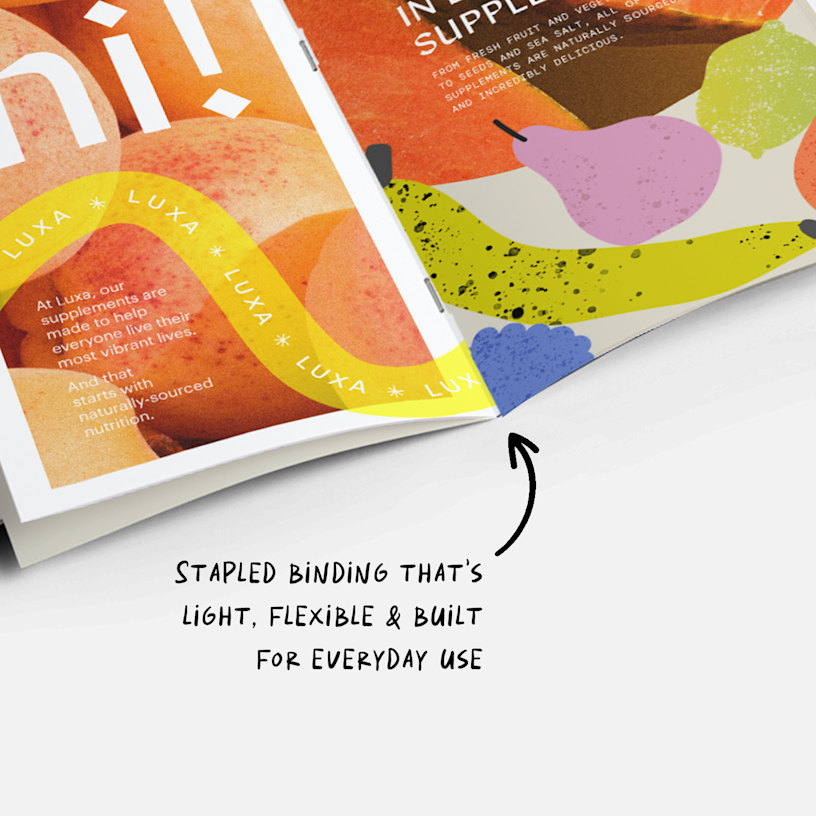
- Stapled (saddle-stitched) binding
- Full-colour, double-sided printing
Note: For important information on how to create your stapled booklet, watch our tutorial & download this PDF guide.
Essential for conferences and gatherings
Event programmes help attendees navigate your conference, workshop or business gathering. Use them to share agendas, speaker bios, session descriptions and venue maps. With 8–84 pages available, you have room to include sponsor information, networking tips and other helpful details. Printed programmes give attendees something to reference throughout the day and take home afterward as a reminder of your event.
Professional presentation options
Choose from 8 formats including portrait, landscape and square formats to match your event style. Select matte paper for easy readability or glossy paper to make photos and graphics stand out. Your programme includes 4 cover pages with 3 thickness options: self cover that matches your inside pages, premium 250 gsm or premium plus 300 gsm laminated covers for a polished look. Saddle-stitched binding with metal staples keeps pages together as attendees move between sessions.
Simple design and ordering
Upload your programme design as a PDF, then choose your size, page count and paper preferences. Our system automatically checks for common design issues and guides you through each step. After you place your order, we handle the printing and deliver your programmes ready to hand out. They'll arrive looking professional and ready to help your attendees make the most of your event.

Frequently asked questions
Yes — for a successful print, we recommend following these design tips and upload specifications.
Format: Your file needs to be in PDF format — without password protection.
Layout: Your file should include single pages, each arranged in the correct reading order. Make sure your file includes all of your pages – including four cover pages.
Blank Pages: If you want blank inside cover pages, make sure you include blank pages within your PDF file.
Colours: Event programmes are printed in CMYK. Images provided in RGB or PANTONE colours will be converted.
Resolution: 300 dpi (dots per inch) is the required resolution for event programmes. Lower resolutions may affect the printing quality.
Bleeds: For an accurate print, include a 3 mm bleed on every side of every page. If you encounter file upload issues, double-check your bleed — it may exceed the accepted ±0.25 threshold.
Margins: Keep all text at least 1 cm from the margins. Anything closer may be too close to the edge (or the binding) to easily read.
For detailed information on how to design your event programmes, watch our video tutorial & download our PDF guide.
You can select the same cover thickness as your internal pages or choose from premium 250 gsm or premium plus 300 gsm laminated options for sturdier, more durable covers. Laminated covers help protect programmes from wear and display your cover design clearly.