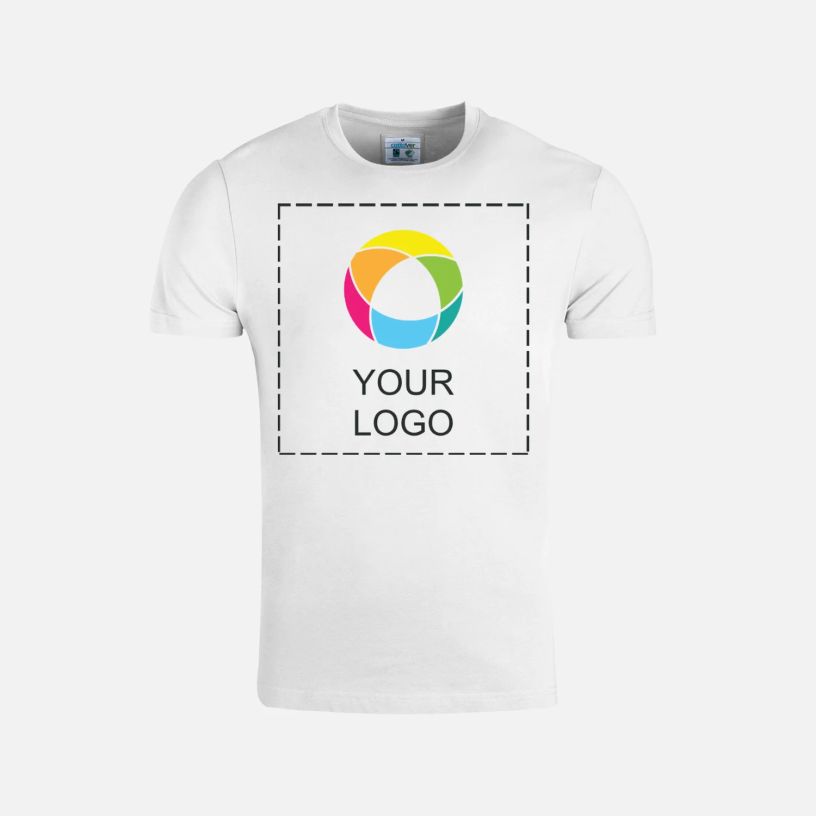
Event T-shirts
Outfit party guests in premium T-shirts that dial up the fun. Knitted from OEKO-TEX® certified cotton. See details

Reviews
Write a Review
Filter By
stars
(100%)
stars
(0%)
stars
(0%)
stars
(0%)
star
(0%)
Reviewed by 2 customers
100% on point.
27 Oct 2024 | Vivienne |
Verified Buyer
Good quality fabric, good resolution on logo and true to size.
Good shirt. How I wanted it
2 Sept 2024 | Mikey |
Verified Buyer
Awesome. Cool it's like I wanted it
Displaying Reviews 1-2
Frequently asked questions
You can machine wash your T-shirt inside out in cold water and then air dry. Avoid bleach, tumble drying and dry cleaning. Do not iron any decorated areas.
Our party T-shirts are made from 100% organic Fairtrade cotton that’s OEKO-TEX® certified. An OEKO-TEX® certification means that the fabric has been tested and found free of harmful chemicals.
S–3XL. If you’re unsure which size to order, check out our size chart.
Full-colour printing is a printing process where ink is applied directly onto a garment and fully absorbed into the fibres. It allows for an unlimited range of colours and works for almost any design, including photos, illustrations, multicolour graphics and designs with gradients or fine details. Decorations created with full-colour printing may fade after several washes, resulting in a cool, vintage-inspired look.
Our party T-shirts feature a standard fit.
Yes! Here’s how it works:
After selecting a T-shirt template in our gallery, click ‘Edit my design’. From here, you’ll be taken to our design studio. Once you’ve landed in the studio and edited the template, click on the ‘Names’ icon located in left-hand menu. Pick a placeholder, which will then appear on the T-shirt. You can reposition the placeholder wherever you see it. Click the ‘Next’ button in the top right corner. You’ll be given the option to add a design to the back of your T-shirt. When editing the back, you can add a placeholder here too. Click the ‘Next’ button in the top right corner again. On the next page, provide names and/or details for each T-shirt.
Review and place your order. Done!