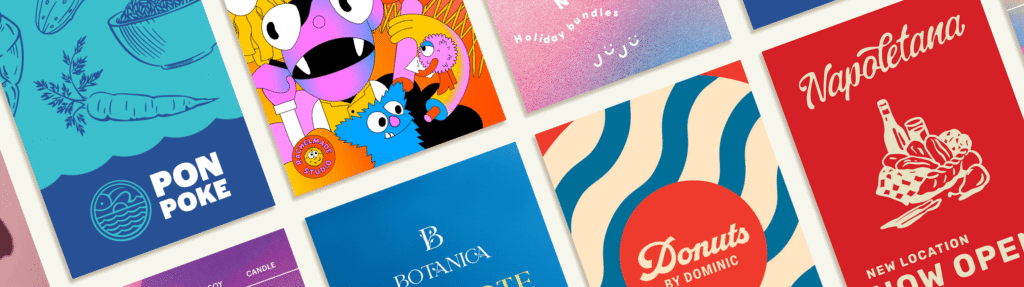
Posters are one of the loudest marketing shouts you can make… without actually shouting. Whether it’s jazzing up a café window or grabbing attention on a community board, the right design can stop people in their tracks and get your event, offer or big news seen.
VistaPrint’s online poster maker is a quick and easy way to design professional-looking posters from your computer. You don’t need design experience to get started, and you can choose from ready-made templates or upload your own design.
Why use an online poster maker
- No need for advanced design skills
- Choose from a wide range of professional templates
- Real-time editing and previews
- Print-ready files in just a few clicks
- Save time without compromising on quality
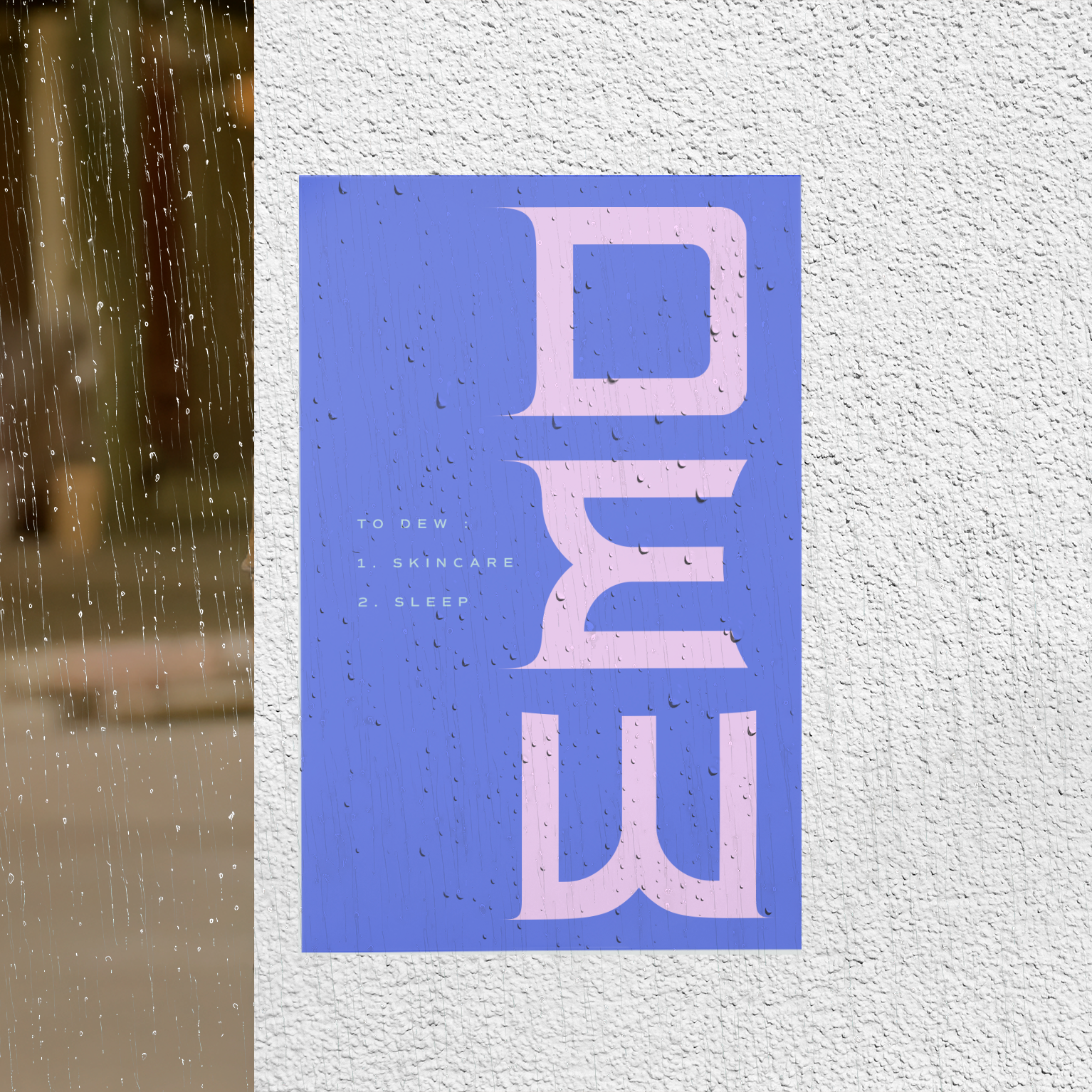
How to create a poster online with VistaPrint
Step 1: Choose your size
Pick the right format for your needs, from A4 to larger poster sizes.
Step 2: Start with a template or a blank design
Use one of VistaPrint’s customisable poster templates or create your own from scratch.
Step 3: Add your content
Edit text, adjust fonts, change colours, and upload images or logos to fit your brand or event.
Step 4: Preview your design
Check how your poster looks before finalising.
Step 5: Place your print order
Select your paper type and finish, then order for delivery.
Top features of the VistaPrint poster maker
- Wide variety of professionally designed templates
- Easy-to-use editing tools
- Upload your own artwork or brand assets
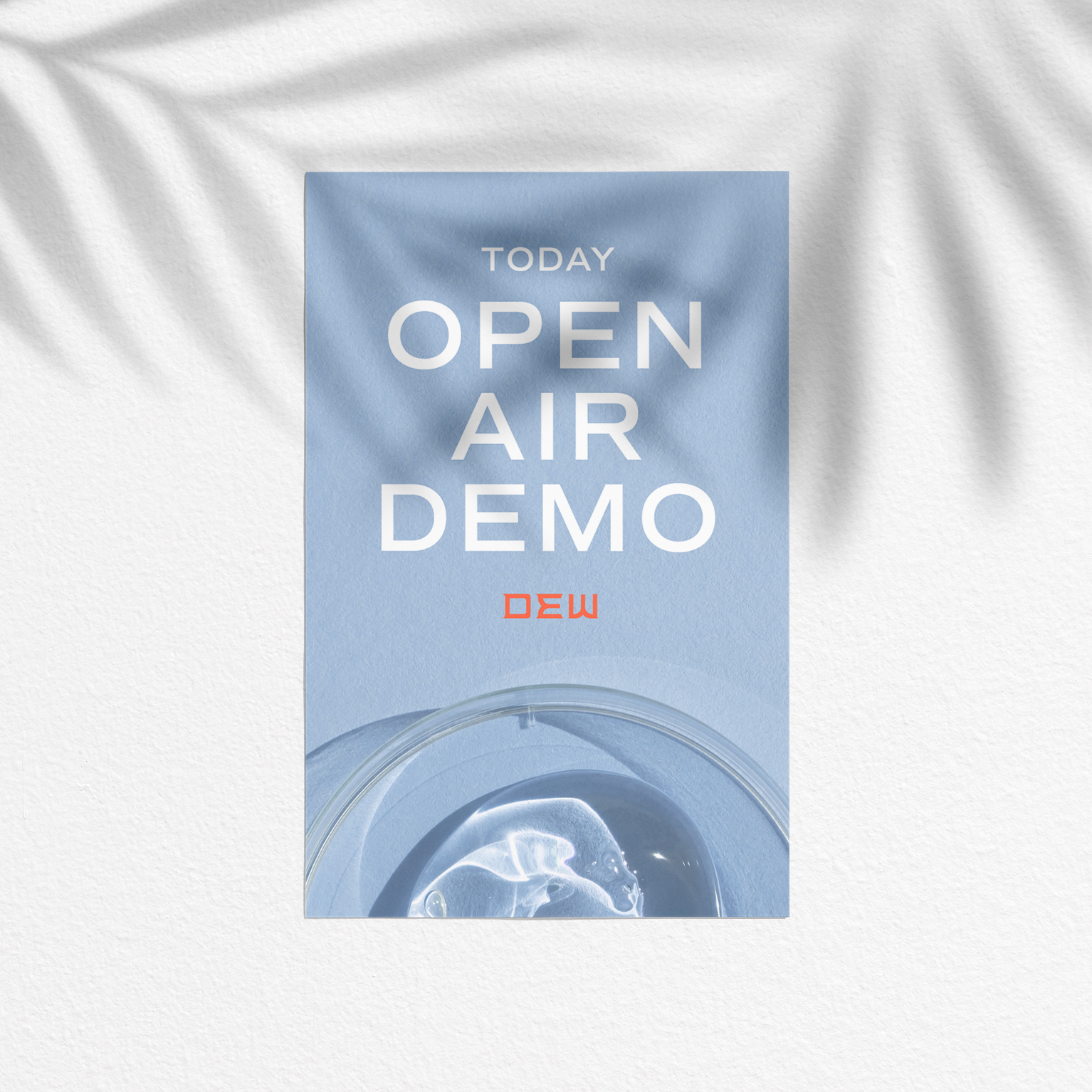
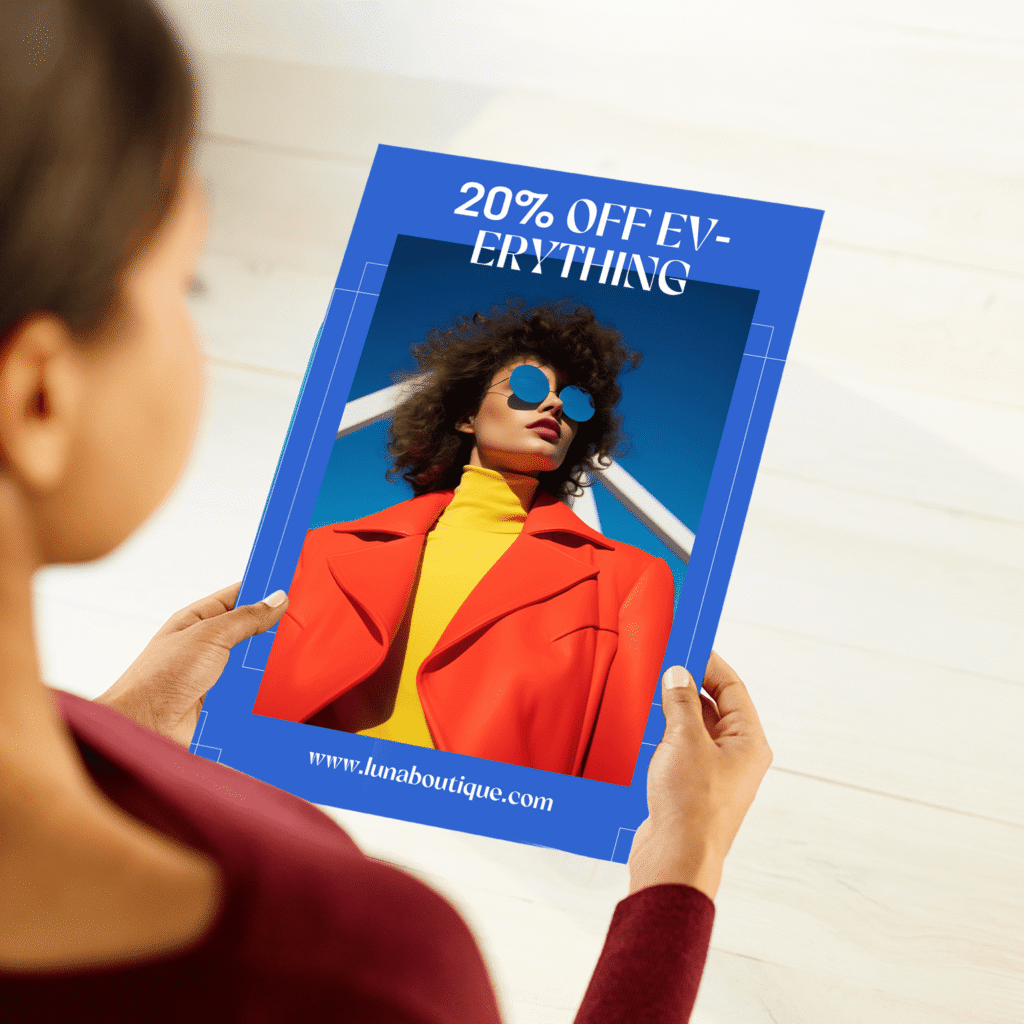
- See your design in context with the poster mockup view
- Multiple size and print finish options
When to use the poster generator
- Announce business offers, sales or new launches
- Promote events, workshops or fundraisers
- Share community or school announcements
- Decorate a space with personal artwork or messages
Need a helping hand from a designer?
Not in the mood to DIY? Let one of VistaPrint’s professional designers create your poster for you. Just share your brief, and they’ll take care of the layout, styling and visuals. It’s perfect if you’re short on time or want something that looks polished without the faff. Work with a designer to bring your idea to life.

Design tips for better posters
- Use bold fonts and keep text easy to read from a distance
- Stick to high-contrast colours for stronger visibility
- Avoid clutter by limiting fonts and keeping spacing clear
- Always include a clear call to action (e.g. date, website, contact info)